
GIVE THE PERFECT GIFT
Erin Mills Town Centre Gift Cards are the perfect choice for your gift giving needs.Purchase gift cards at kiosks near the food court or centre court, at Guest Services, or click below to purchase online.PURCHASE HEREHome
CATIA V5-6R2015 Basics - Part II: Part Modeling
Indigo
Loading Inventory...
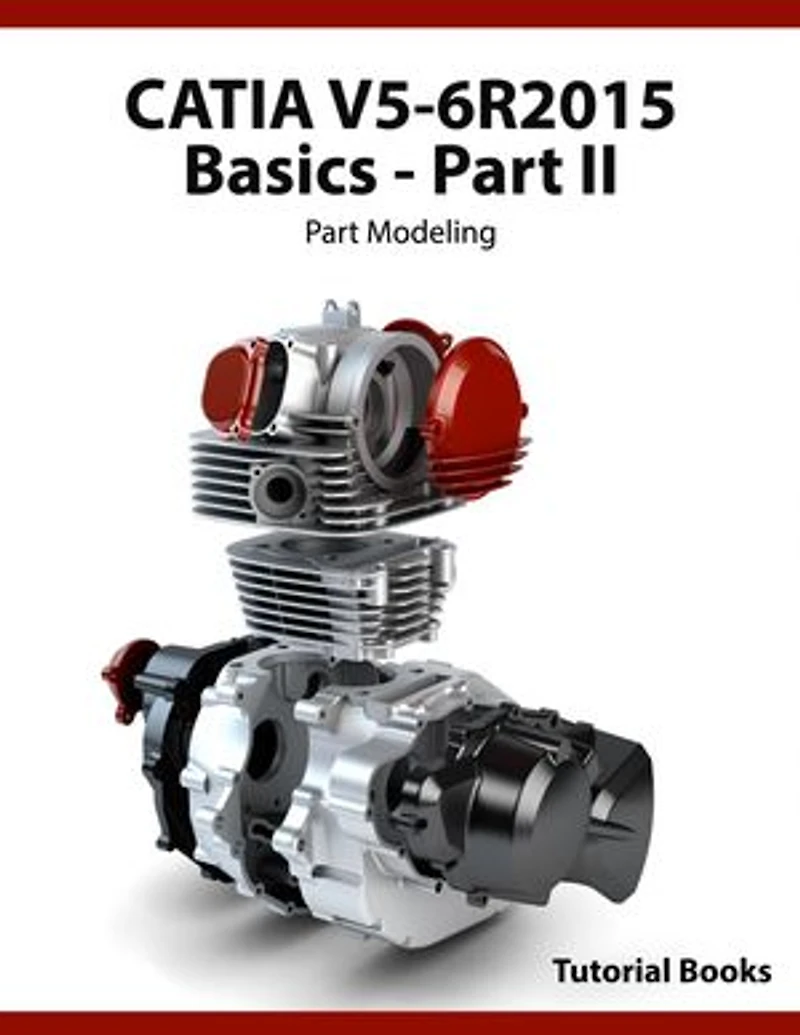
CATIA V5-6R2015 Basics - Part II: Part Modeling
Current price: $31.99

CATIA V5-6R2015 Basics - Part II: Part Modeling
Current price: $31.99
Loading Inventory...
Size: Kobo eBook
*Product information may vary - to confirm product availability, pricing, shipping and return information please contact Indigo
This book is a continuation of CATIA V5-6R2015-Part I. The topics covered in this book are listed below:
Basic Sketch Based Features
Pad
Shaft
Project 3D Elements
The Plane command
Offset from plane
Parallel through Point
Through three points
Through two lines
Through point and line
Through planar curve
Normal to curve
Tangent to surface
Equation
Mean through points
Coordinates
On curve
On Plane
On Surface
Circle/Sphere/Ellipse center
Tangent on curve
Between
Line
Additional options of the Pad and Pocket commands
Limits
Thick
View commands
Measure Commands
Holes and Dress-Up Features
Hole
Simple Hole
Counterbored Hole
Countersunk Hole
Tapered Hole
Threaded Hole
The Thread/Tap command
The Edge Fillet command
Limiting element(s)
Blend corner(s)
Variable Radius Fillet
Chordal Fillet
Face-Face Fillet
Tritangent Fillet
The Chamfer command
Draft Angle
Draft Reflect Line
Variable Angle Draft
Shell
Patterned Geometry
The Mirror command
Rectangular Pattern
Circular Pattern
User Pattern
Scaling
Affinity
Rib Features
The Rib command
The Slot command
Multi Section Solids
The Multi-sections Solid command
Types of the Cross-sections
Couplings
Spines
Guides
Relimitation
Removed Multi-sections Solid
Additional Features and Multibody Parts
Stiffener
Solid Combine
Multi-body Parts
Creating Multi-bodies
Insert in new body
Assemble
Add
Remove
Intersect
Union Trim
Remove Lump
Modifying Parts
Edit Sketches
Edit Feature Definition
Edit Feature Parameters
Deactivate Features
Activate Features
Changing the Sketch Support
This book is a continuation of CATIA V5-6R2015-Part I. The topics covered in this book are listed below:
Basic Sketch Based Features
Pad
Shaft
Project 3D Elements
The Plane command
Offset from plane
Parallel through Point
Through three points
Through two lines
Through point and line
Through planar curve
Normal to curve
Tangent to surface
Equation
Mean through points
Coordinates
On curve
On Plane
On Surface
Circle/Sphere/Ellipse center
Tangent on curve
Between
Line
Additional options of the Pad and Pocket commands
Limits
Thick
View commands
Measure Commands
Holes and Dress-Up Features
Hole
Simple Hole
Counterbored Hole
Countersunk Hole
Tapered Hole
Threaded Hole
The Thread/Tap command
The Edge Fillet command
Limiting element(s)
Blend corner(s)
Variable Radius Fillet
Chordal Fillet
Face-Face Fillet
Tritangent Fillet
The Chamfer command
Draft Angle
Draft Reflect Line
Variable Angle Draft
Shell
Patterned Geometry
The Mirror command
Rectangular Pattern
Circular Pattern
User Pattern
Scaling
Affinity
Rib Features
The Rib command
The Slot command
Multi Section Solids
The Multi-sections Solid command
Types of the Cross-sections
Couplings
Spines
Guides
Relimitation
Removed Multi-sections Solid
Additional Features and Multibody Parts
Stiffener
Solid Combine
Multi-body Parts
Creating Multi-bodies
Insert in new body
Assemble
Add
Remove
Intersect
Union Trim
Remove Lump
Modifying Parts
Edit Sketches
Edit Feature Definition
Edit Feature Parameters
Deactivate Features
Activate Features
Changing the Sketch Support
You May Also Like















More About Indigo at Erin Mills Town Centre
The largest book retailer in Canada also offers toys, music, home décor, gifts and lifestyle products. What's Inside...Books, Magazines, CD’s and DVD’s, Toys and Gifts, Home Accents, Electronics, Baby’s and Children’s Section, Bath and Body, Kitchen and Bedroom, Stationary Located outside in the exterior plaza.
5015 Glen Erin Dr, Mississauga, ON L5M 0R7, Canada
Find Indigo at Erin Mills Town Centre in Mississauga ON
Visit Indigo at Erin Mills Town Centre in Mississauga ON