

GIVE THE PERFECT GIFT
Erin Mills Town Centre Gift Cards are the perfect choice for your gift giving needs.Purchase gift cards at kiosks near the food court or centre court, at Guest Services, or click below to purchase online.PURCHASE HEREHome
Docker for Rails Developers: Build, Ship, and Run Your Applications Everywhere
Indigo
Loading Inventory...
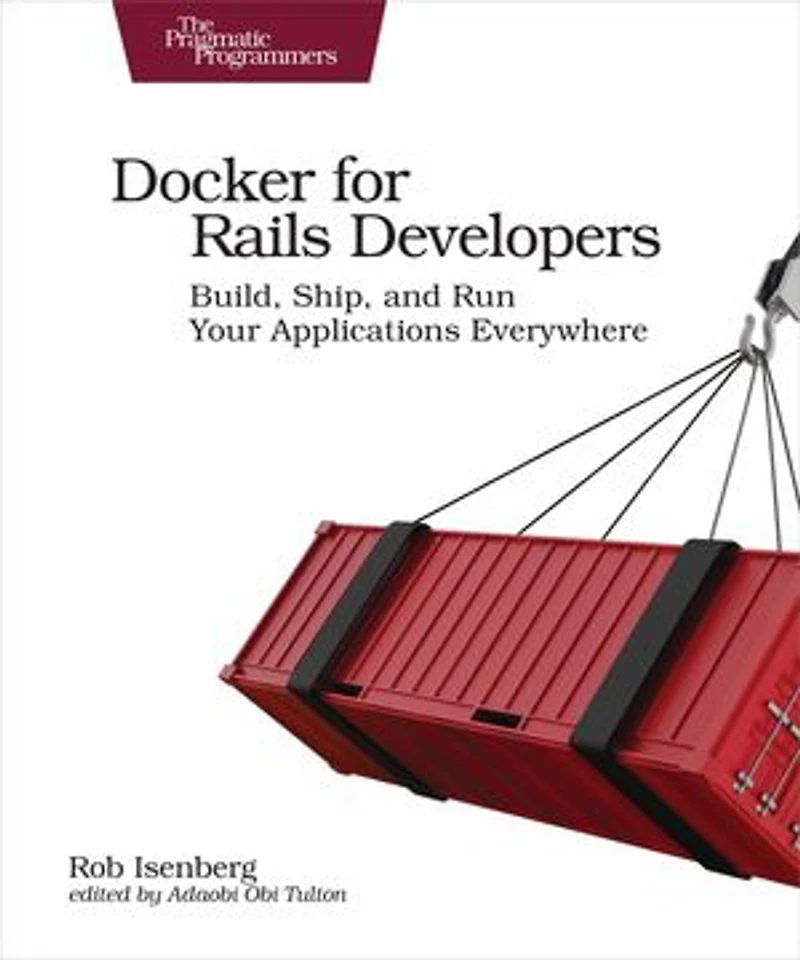
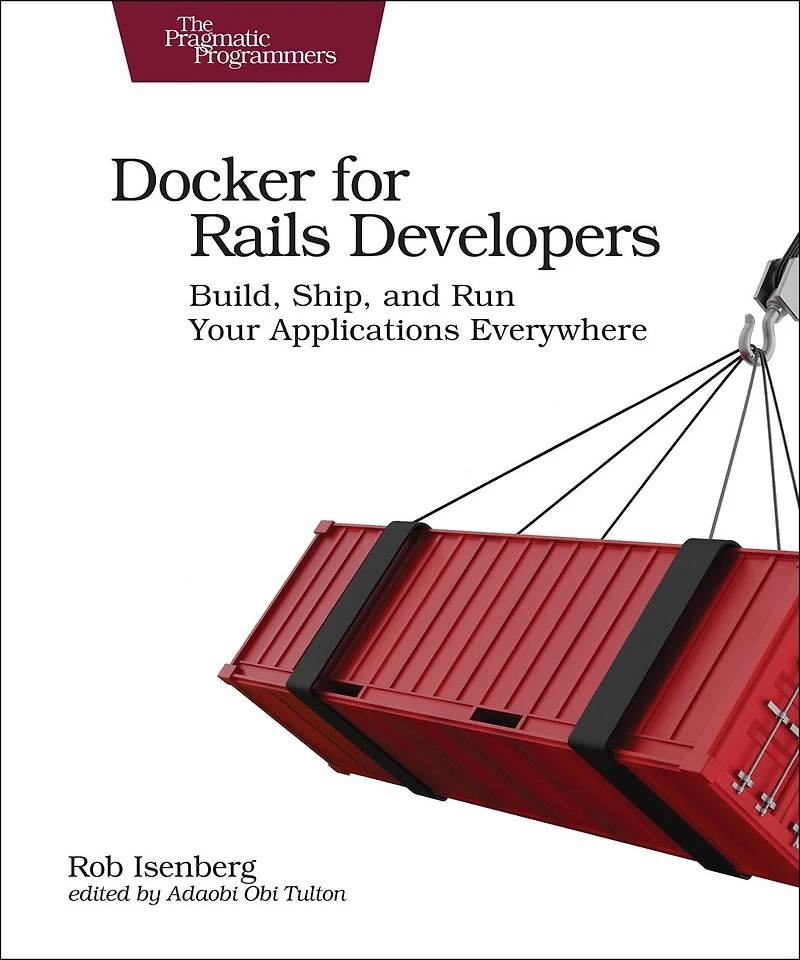
Docker for Rails Developers: Build, Ship, and Run Your Applications Everywhere
Current price: $32.79
Original price: $40.99

Docker for Rails Developers: Build, Ship, and Run Your Applications Everywhere
Current price: $32.79
Original price: $40.99
Loading Inventory...
Size: Kobo eBook
*Product information may vary - to confirm product availability, pricing, shipping and return information please contact Indigo
Docker does for DevOps what Rails did for web development--it gives you a new set of superpowers. Gone are "works on my machine" woes and lengthy setup tasks, replaced instead by a simple, consistent, Docker-based development environment that will have your team up and running in seconds. Gain hands-on, real-world experience with a tool that's rapidly becoming fundamental to software development. Go from zero all the way to production as Docker transforms the massive leap of deploying your app in the cloud into a baby step.
Docker makes life as a Ruby and Rails developer easier. It helps build, ship, and run your applications, solving major problems you face every day. It allows you to run applications at scale, adding new resources as needed. Docker provides a reliable, consistent environment that's guaranteed to work the same everywhere.
Docker lets you do all things DevOps without needing a PhD in infrastructure and operations. Want to spin up a cluster to run your app? No problem. Scale it up or down at will? You bet. Start by running a Ruby script without having Ruby installed on the local machine. Then Dockerize a Rails application and run it using containers, including creating your own custom Docker images tailored for running Rails apps. Describe your app declaratively using Docker Compose, specifying the software dependencies along with everything needed to run the application. Then set up continuous integration, as well as your deployment pipeline and infrastructure. Along the way, find out the best practices for using Docker in development and production environments.
This book gives you a solid foundation on using Docker and fitting it into your development workflow and deployment process.
What You Need:
All you need is a Windows, Mac OS X or Linux machine to do development on. This book guides you through the process of installing Docker. Some basic familiarity with Linux/Unix is recommended even if you're using a Windows machine.
Docker does for DevOps what Rails did for web development--it gives you a new set of superpowers. Gone are "works on my machine" woes and lengthy setup tasks, replaced instead by a simple, consistent, Docker-based development environment that will have your team up and running in seconds. Gain hands-on, real-world experience with a tool that's rapidly becoming fundamental to software development. Go from zero all the way to production as Docker transforms the massive leap of deploying your app in the cloud into a baby step.
Docker makes life as a Ruby and Rails developer easier. It helps build, ship, and run your applications, solving major problems you face every day. It allows you to run applications at scale, adding new resources as needed. Docker provides a reliable, consistent environment that's guaranteed to work the same everywhere.
Docker lets you do all things DevOps without needing a PhD in infrastructure and operations. Want to spin up a cluster to run your app? No problem. Scale it up or down at will? You bet. Start by running a Ruby script without having Ruby installed on the local machine. Then Dockerize a Rails application and run it using containers, including creating your own custom Docker images tailored for running Rails apps. Describe your app declaratively using Docker Compose, specifying the software dependencies along with everything needed to run the application. Then set up continuous integration, as well as your deployment pipeline and infrastructure. Along the way, find out the best practices for using Docker in development and production environments.
This book gives you a solid foundation on using Docker and fitting it into your development workflow and deployment process.
What You Need:
All you need is a Windows, Mac OS X or Linux machine to do development on. This book guides you through the process of installing Docker. Some basic familiarity with Linux/Unix is recommended even if you're using a Windows machine.
You May Also Like















More About Indigo at Erin Mills Town Centre
The largest book retailer in Canada also offers toys, music, home décor, gifts and lifestyle products. What's Inside...Books, Magazines, CD’s and DVD’s, Toys and Gifts, Home Accents, Electronics, Baby’s and Children’s Section, Bath and Body, Kitchen and Bedroom, Stationary Located outside in the exterior plaza.
5015 Glen Erin Dr, Mississauga, ON L5M 0R7, Canada
Find Indigo at Erin Mills Town Centre in Mississauga ON
Visit Indigo at Erin Mills Town Centre in Mississauga ON