

GIVE THE PERFECT GIFT
Erin Mills Town Centre Gift Cards are the perfect choice for your gift giving needs.Purchase gift cards at kiosks near the food court or centre court, at Guest Services, or click below to purchase online.PURCHASE HEREHome
Engineering Design Graphics with Autodesk Inventor 2020
Indigo
Loading Inventory...
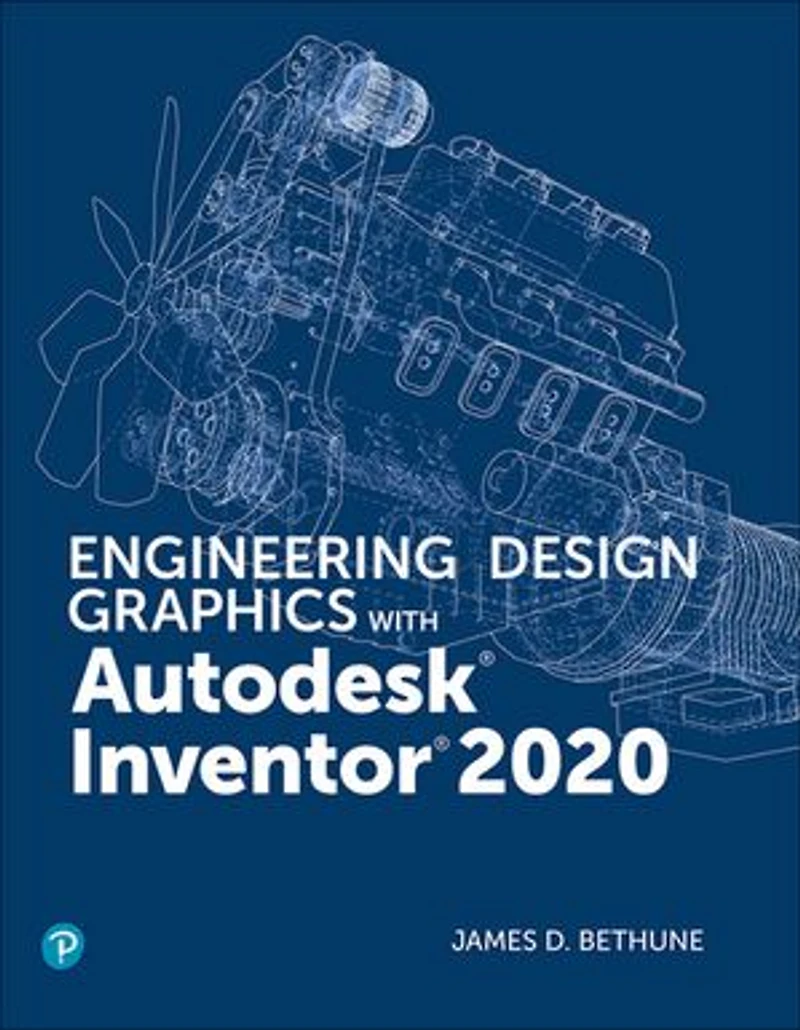
Engineering Design Graphics with Autodesk Inventor 2020
Current price: $85.99
Original price: $107.49

Engineering Design Graphics with Autodesk Inventor 2020
Current price: $85.99
Original price: $107.49
Loading Inventory...
Size: Kobo eBook
*Product information may vary - to confirm product availability, pricing, shipping and return information please contact Indigo
In Engineering Design Graphics with Autodesk Inventor 2020 , award-winning CAD instructor and author James Bethune shows students how to use Autodesk Inventor to create and document drawings and designs. The author puts heavy emphasis on engineering drawings and on drawing components used in engineering drawings such as springs, bearings, cams, and gears. It shows how to create drawings using many different formats such as .ipt, .iam, ipn, and .idw for both English and metric units. It explains how to create drawings using the tools located under the Design tab and how to extract parts from the Content Center.
Chapter test questions help students assess their understanding of key concepts. Sample problems, end-of-chapter projects, and a variety of additional exercises reinforce the material and allow students to practice the techniques described. The content of the book goes beyond the material normally presented in an engineering graphics text associated with CAD software to include exercises requiring students to design simple mechanisms. This book includes the following features:
Step-by-step format throughout the text allows students to work directly from the text to the screen and provides an excellent reference during and after the course.
Latest coverage for Autodesk Inventor 2020 is provided.
Exercises, sample problems, and projects appear in each chapter, providing examples of software capabilities and giving students an opportunity to apply their own knowledge to realistic design situations.
Examples show how to create an animated assembly, apply dimension to a drawing, calculate shear and bending values, and more.
ANSI and ISO standards are discussed when appropriate, introducing students to both so they learn appropriate techniques and national standards.
In Engineering Design Graphics with Autodesk Inventor 2020 , award-winning CAD instructor and author James Bethune shows students how to use Autodesk Inventor to create and document drawings and designs. The author puts heavy emphasis on engineering drawings and on drawing components used in engineering drawings such as springs, bearings, cams, and gears. It shows how to create drawings using many different formats such as .ipt, .iam, ipn, and .idw for both English and metric units. It explains how to create drawings using the tools located under the Design tab and how to extract parts from the Content Center.
Chapter test questions help students assess their understanding of key concepts. Sample problems, end-of-chapter projects, and a variety of additional exercises reinforce the material and allow students to practice the techniques described. The content of the book goes beyond the material normally presented in an engineering graphics text associated with CAD software to include exercises requiring students to design simple mechanisms. This book includes the following features:
Step-by-step format throughout the text allows students to work directly from the text to the screen and provides an excellent reference during and after the course.
Latest coverage for Autodesk Inventor 2020 is provided.
Exercises, sample problems, and projects appear in each chapter, providing examples of software capabilities and giving students an opportunity to apply their own knowledge to realistic design situations.
Examples show how to create an animated assembly, apply dimension to a drawing, calculate shear and bending values, and more.
ANSI and ISO standards are discussed when appropriate, introducing students to both so they learn appropriate techniques and national standards.
You May Also Like








More About Indigo at Erin Mills Town Centre
The largest book retailer in Canada also offers toys, music, home décor, gifts and lifestyle products. What's Inside...Books, Magazines, CD’s and DVD’s, Toys and Gifts, Home Accents, Electronics, Baby’s and Children’s Section, Bath and Body, Kitchen and Bedroom, Stationary Located outside in the exterior plaza.
5015 Glen Erin Dr, Mississauga, ON L5M 0R7, Canada
Find Indigo at Erin Mills Town Centre in Mississauga ON
Visit Indigo at Erin Mills Town Centre in Mississauga ON