

GIVE THE PERFECT GIFT
Erin Mills Town Centre Gift Cards are the perfect choice for your gift giving needs.Purchase gift cards at kiosks near the food court or centre court, at Guest Services, or click below to purchase online.PURCHASE HEREHome
Excel Functions and Formulas Pocketbook
Indigo
Loading Inventory...
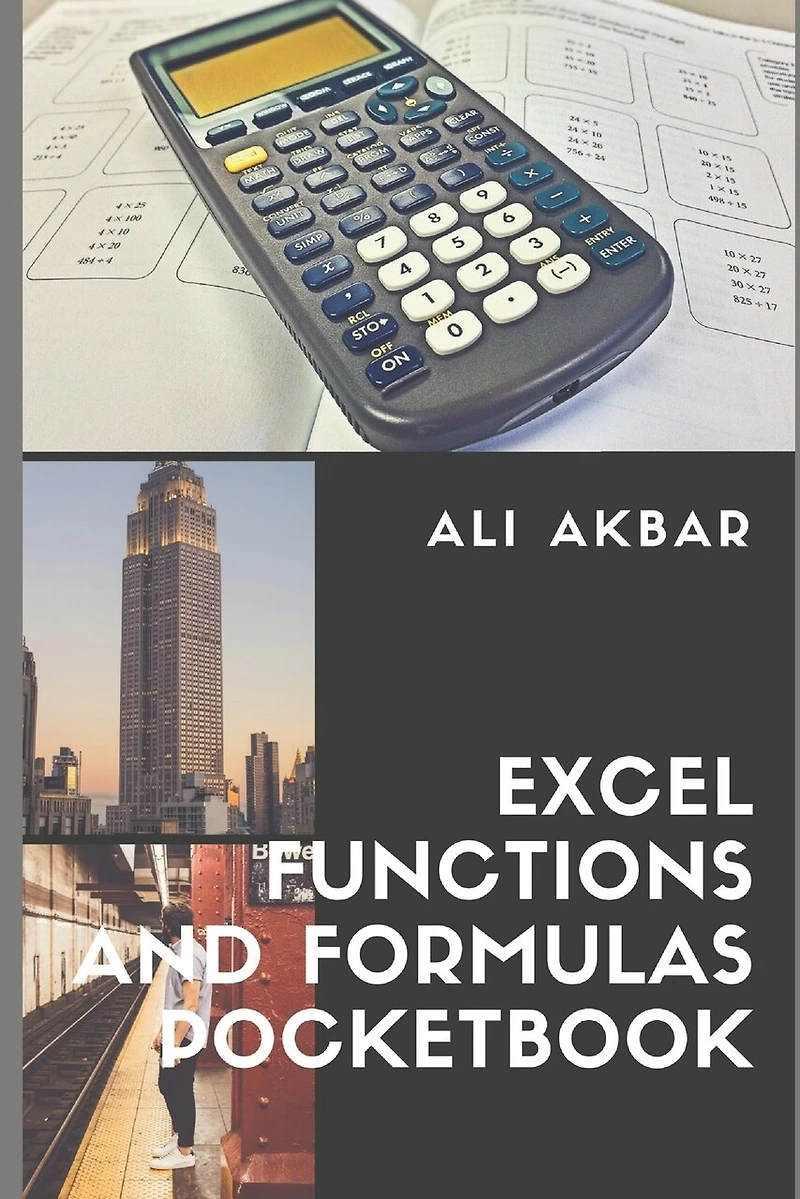
Excel Functions and Formulas Pocketbook
Current price: $16.95

Excel Functions and Formulas Pocketbook
Current price: $16.95
Loading Inventory...
Size: Paperback
*Product information may vary - to confirm product availability, pricing, shipping and return information please contact Indigo
Geared toward the intermediate to advanced Excel 2016 user, this pocketbook provides explanations and context for many powerful Excel 2016 spreadsheet formulas and functions. Step-by-step instructions for many formula/function-related features such as using range names, and Excel's troubleshooting features. Focus on clarity, accuracy, and the user's perspective, this guide will be a valuable resource to improve your proficiency in using Microsoft Excel 2016. This guide is suitable as a training handout, or simply an easy to use reference guide. Topics include:
Controlling Order of Precedence
Conditionally Summing/Counting Data (SUMIF, COUNTIF)
Being Precise (Rounding functions)
Improving Clarity with Range Names: Creating Names, Limiting Scope, Defining a Constant or Formula for a Name, Managing Names, Indirectly Referring to a Named Range (INDIRECT)
New Functions for Office 365, Mobile & Online (CONCAT, TEXTJOIN, IFS, MAXIFS/MINIFS, SWITCH)
Merging Text and Numbers (CONCATENATE, TEXT, LEFT, RIGHT, MID, LEN, FIND, VALUE, TRIM, SUBSTITUTE)
Changing Results: IF, AND, OR, NOT
Table Lookups (VLOOKUP, HLOOKUP, INDEX, MATCH)
Error Recovery (ISNA, ISERROR)
Array Formulas (Single Cell & Multi-Cell Arrays)
Dates and Times (DATE, YEAR, MONTH, DAY, TODAY, WEEKDAY, NETWORKDAYS, EDATE)
Using a Formula for Data Validation
Troubleshooting: Types of Errors, Automatic Error Checking, Using the Error Checker, Showing/Hiding Formulas, Evaluating Nested Formulas, Selecting Related Cells, Displaying Cell Relationships, Removing Relationship Arrows.
Examples: Summing Selected Data; Being Precise; Merging Text & Numbers; Table Lookups; Table Lookups with IF and ISERROR; Dates & Times; Single- and Multi-Cell Arrays.
Improving Clarity with Range Names: Creating Names, Limiting Scope, Defining a Constant or Formula for a Name, Managing Names, Indirectly Referring to a Named Range (INDIRECT)New Functions for Office 365, Mobile & Online (CONCAT, TEXTJOIN, IFS, MAXIFS/MINIFS, SWITCH)Merging Text and Numbers (CONCATENATE, TEXT, LEFT, RIGHT, MID, LEN, FIND, VALUE, TRIM, SUBSTITUTE)Changing Results: IF, AND, OR, NOTTable Lookups (VLOOKUP, HLOOKUP, INDEX, MATCH)Error Recovery (ISNA, ISERROR)Array Formulas (Single Cell & Multi-Cell Arrays)Dates and Times (DATE, YEAR, MONTH, DAY, TODAY, WEEKDAY, NETWORKDAYS, EDATE)Using a Formula for Data ValidationTroubleshooting: Types of Errors, Automatic Error Checking, Using the Error Checker, Showing/Hiding Formulas, Evaluating Nested Formulas, Selecting Related Cells, Displaying Cell Relationships, Removing Relationship Arrows. Examples: Summing Selected Data; Being Precise; Merging Text & Numbers; Table Lookups; Table Lookups with IF and ISERROR; Dates & Times; Single- and Multi-Cell Arrays.
Geared toward the intermediate to advanced Excel 2016 user, this pocketbook provides explanations and context for many powerful Excel 2016 spreadsheet formulas and functions. Step-by-step instructions for many formula/function-related features such as using range names, and Excel's troubleshooting features. Focus on clarity, accuracy, and the user's perspective, this guide will be a valuable resource to improve your proficiency in using Microsoft Excel 2016. This guide is suitable as a training handout, or simply an easy to use reference guide. Topics include:
Controlling Order of Precedence
Conditionally Summing/Counting Data (SUMIF, COUNTIF)
Being Precise (Rounding functions)
Improving Clarity with Range Names: Creating Names, Limiting Scope, Defining a Constant or Formula for a Name, Managing Names, Indirectly Referring to a Named Range (INDIRECT)
New Functions for Office 365, Mobile & Online (CONCAT, TEXTJOIN, IFS, MAXIFS/MINIFS, SWITCH)
Merging Text and Numbers (CONCATENATE, TEXT, LEFT, RIGHT, MID, LEN, FIND, VALUE, TRIM, SUBSTITUTE)
Changing Results: IF, AND, OR, NOT
Table Lookups (VLOOKUP, HLOOKUP, INDEX, MATCH)
Error Recovery (ISNA, ISERROR)
Array Formulas (Single Cell & Multi-Cell Arrays)
Dates and Times (DATE, YEAR, MONTH, DAY, TODAY, WEEKDAY, NETWORKDAYS, EDATE)
Using a Formula for Data Validation
Troubleshooting: Types of Errors, Automatic Error Checking, Using the Error Checker, Showing/Hiding Formulas, Evaluating Nested Formulas, Selecting Related Cells, Displaying Cell Relationships, Removing Relationship Arrows.
Examples: Summing Selected Data; Being Precise; Merging Text & Numbers; Table Lookups; Table Lookups with IF and ISERROR; Dates & Times; Single- and Multi-Cell Arrays.
Improving Clarity with Range Names: Creating Names, Limiting Scope, Defining a Constant or Formula for a Name, Managing Names, Indirectly Referring to a Named Range (INDIRECT)New Functions for Office 365, Mobile & Online (CONCAT, TEXTJOIN, IFS, MAXIFS/MINIFS, SWITCH)Merging Text and Numbers (CONCATENATE, TEXT, LEFT, RIGHT, MID, LEN, FIND, VALUE, TRIM, SUBSTITUTE)Changing Results: IF, AND, OR, NOTTable Lookups (VLOOKUP, HLOOKUP, INDEX, MATCH)Error Recovery (ISNA, ISERROR)Array Formulas (Single Cell & Multi-Cell Arrays)Dates and Times (DATE, YEAR, MONTH, DAY, TODAY, WEEKDAY, NETWORKDAYS, EDATE)Using a Formula for Data ValidationTroubleshooting: Types of Errors, Automatic Error Checking, Using the Error Checker, Showing/Hiding Formulas, Evaluating Nested Formulas, Selecting Related Cells, Displaying Cell Relationships, Removing Relationship Arrows. Examples: Summing Selected Data; Being Precise; Merging Text & Numbers; Table Lookups; Table Lookups with IF and ISERROR; Dates & Times; Single- and Multi-Cell Arrays.
You May Also Like







More About Indigo at Erin Mills Town Centre
The largest book retailer in Canada also offers toys, music, home décor, gifts and lifestyle products. What's Inside...Books, Magazines, CD’s and DVD’s, Toys and Gifts, Home Accents, Electronics, Baby’s and Children’s Section, Bath and Body, Kitchen and Bedroom, Stationary Located outside in the exterior plaza.
5015 Glen Erin Dr, Mississauga, ON L5M 0R7, Canada
Find Indigo at Erin Mills Town Centre in Mississauga ON
Visit Indigo at Erin Mills Town Centre in Mississauga ON