
GIVE THE PERFECT GIFT
Erin Mills Town Centre Gift Cards are the perfect choice for your gift giving needs.Purchase gift cards at kiosks near the food court or centre court, at Guest Services, or click below to purchase online.PURCHASE HEREHome
Getting Started with SketchUp Pro: Embark on your 3D modeling adventure expert tips, tricks, and best practices
Indigo
Loading Inventory...
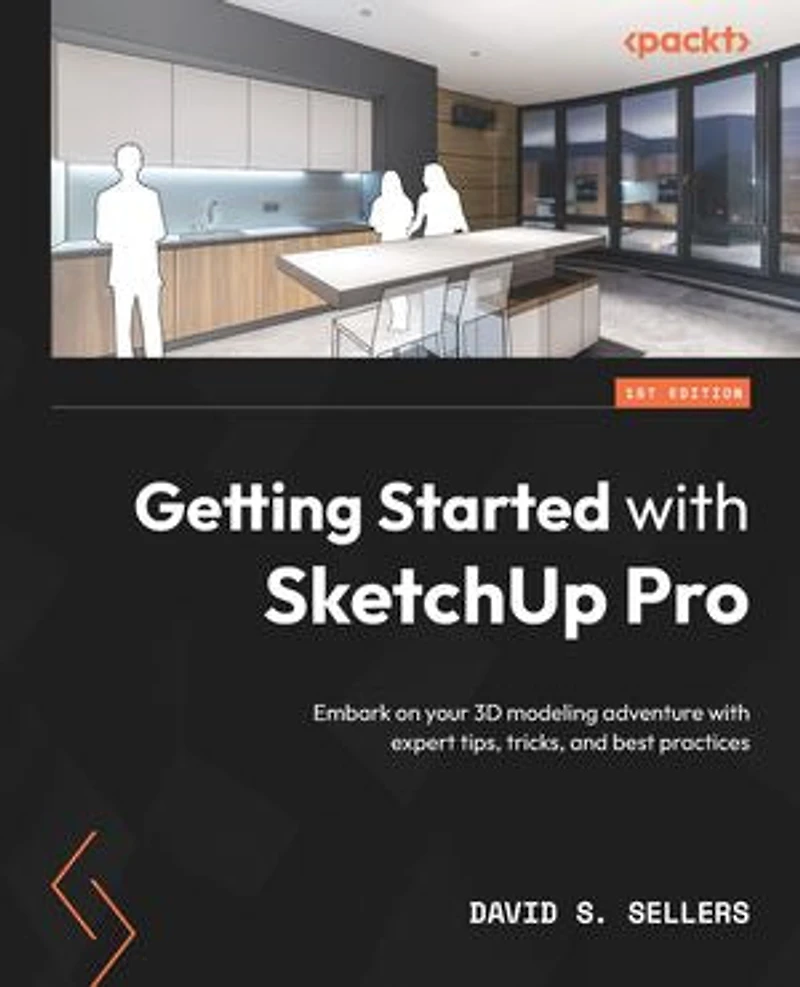
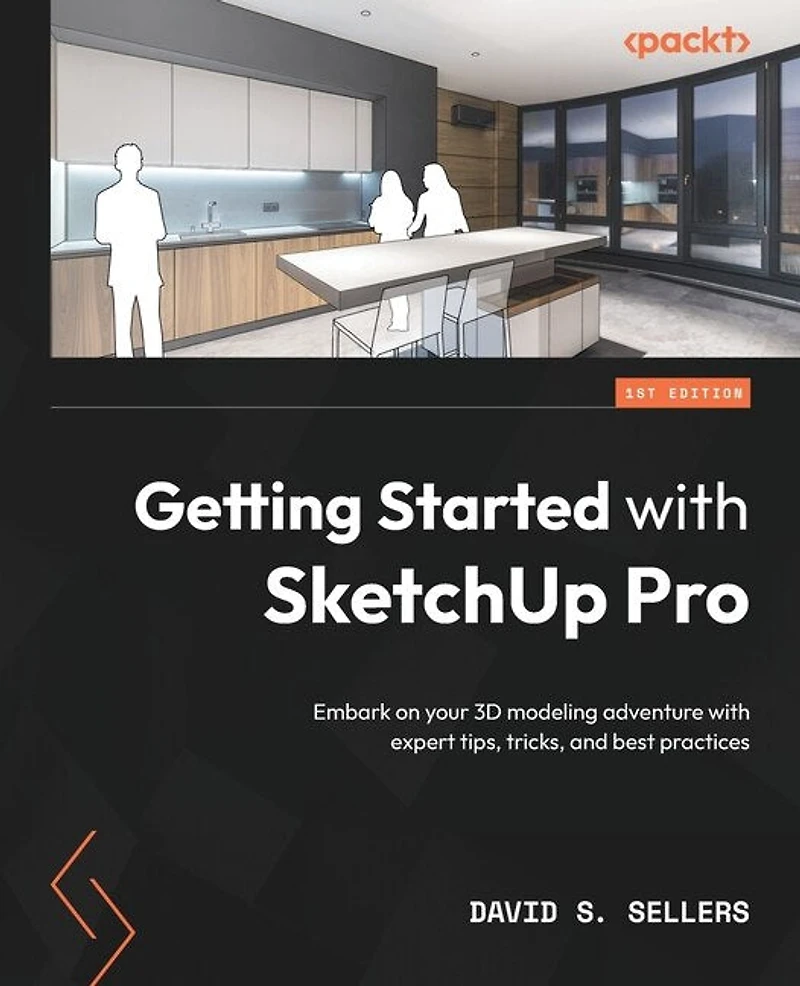
Getting Started with SketchUp Pro: Embark on your 3D modeling adventure expert tips, tricks, and best practices
Current price: $81.59
Original price: $101.99

Getting Started with SketchUp Pro: Embark on your 3D modeling adventure expert tips, tricks, and best practices
Current price: $81.59
Original price: $101.99
Loading Inventory...
Size: Kobo eBook
*Product information may vary - to confirm product availability, pricing, shipping and return information please contact Indigo
Level up your 3D design skills with SketchUp Pro by employing real-world examples and design guidelines Purchase of the print or Kindle book includes a free PDF eBook
Key Features - Put your architectural design knowledge to work by exploring practical examples - Gain a deeper understanding of SketchUp's GUI, modeling tools, and editing features - Execute full design creations with detailed steps without getting overwhelmed by SketchUp's advanced functionalities
Book Description Owing to its ability to create models quickly and with high level of dimensional accuracy, SketchUp Pro has become a popular choice for many industries, including architecture, interior design, landscape architecture, and video game design. If you are seeking to adopt Trimble's exceptional design software, Getting Started with SketchUp Pro serves as an ideal primer to prepare and equip you for its use. This book will help you lay the foundation of a project from scratch, set up appropriate units, and follow a guided path to structure your 3D models. You'll explore the workflows used for creating designs from sketches, making CAD drawings (DWG), and even updating your existing 3D models. Finally, you'll work with extensions and 3D Warehouse to find new workflows and models to add to your skill set. By the end of this SketchUp book, you'll be able to confidently create and share models of your design through CAD drawings and 3D views, and even take them online through the 3D Warehouse
What You Will Learn - Build massing 3D models and preliminary designs - Identify optimal methods to boost productivity and efficiency with SketchUp Pro - Explore SketchUp tools and understand their diverse functionality - Get a complete walkthrough of editing tools, materials, and components in SketchUp - Create and edit components and explore component options - Get acquainted with SketchUp extensions, 3D Warehouse, and additional tools and resources
Who this book is for This book is for architects, landscape architects, interior designers, woodworkers, and 3D modelers with beginner-level knowledge of the architectural design of living spaces. Basic computer skills are all you need to get started.
Table of Contents - Beginning with SketchUp Pro - Principal Tools, Axes, and Inferences - Modeling with Groups and Components - Drawing Tools - We Begin Modeling! - Editing Tools - Making Big Changes! - Camera Options - View Options - Materials - Entity Info, Outliner, and Tags Dynamically Organize Your Models - Model Info and Preferences - Working with Components - Import, Export, 3D Warehouse, and Extensions
Level up your 3D design skills with SketchUp Pro by employing real-world examples and design guidelines Purchase of the print or Kindle book includes a free PDF eBook
Key Features - Put your architectural design knowledge to work by exploring practical examples - Gain a deeper understanding of SketchUp's GUI, modeling tools, and editing features - Execute full design creations with detailed steps without getting overwhelmed by SketchUp's advanced functionalities
Book Description Owing to its ability to create models quickly and with high level of dimensional accuracy, SketchUp Pro has become a popular choice for many industries, including architecture, interior design, landscape architecture, and video game design. If you are seeking to adopt Trimble's exceptional design software, Getting Started with SketchUp Pro serves as an ideal primer to prepare and equip you for its use. This book will help you lay the foundation of a project from scratch, set up appropriate units, and follow a guided path to structure your 3D models. You'll explore the workflows used for creating designs from sketches, making CAD drawings (DWG), and even updating your existing 3D models. Finally, you'll work with extensions and 3D Warehouse to find new workflows and models to add to your skill set. By the end of this SketchUp book, you'll be able to confidently create and share models of your design through CAD drawings and 3D views, and even take them online through the 3D Warehouse
What You Will Learn - Build massing 3D models and preliminary designs - Identify optimal methods to boost productivity and efficiency with SketchUp Pro - Explore SketchUp tools and understand their diverse functionality - Get a complete walkthrough of editing tools, materials, and components in SketchUp - Create and edit components and explore component options - Get acquainted with SketchUp extensions, 3D Warehouse, and additional tools and resources
Who this book is for This book is for architects, landscape architects, interior designers, woodworkers, and 3D modelers with beginner-level knowledge of the architectural design of living spaces. Basic computer skills are all you need to get started.
Table of Contents - Beginning with SketchUp Pro - Principal Tools, Axes, and Inferences - Modeling with Groups and Components - Drawing Tools - We Begin Modeling! - Editing Tools - Making Big Changes! - Camera Options - View Options - Materials - Entity Info, Outliner, and Tags Dynamically Organize Your Models - Model Info and Preferences - Working with Components - Import, Export, 3D Warehouse, and Extensions
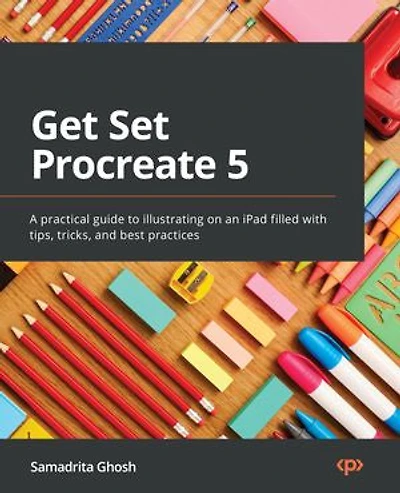
You May Also Like













More About Indigo at Erin Mills Town Centre
The largest book retailer in Canada also offers toys, music, home décor, gifts and lifestyle products. What's Inside...Books, Magazines, CD’s and DVD’s, Toys and Gifts, Home Accents, Electronics, Baby’s and Children’s Section, Bath and Body, Kitchen and Bedroom, Stationary Located outside in the exterior plaza.
5015 Glen Erin Dr, Mississauga, ON L5M 0R7, Canada
Find Indigo at Erin Mills Town Centre in Mississauga ON
Visit Indigo at Erin Mills Town Centre in Mississauga ON