
GIVE THE PERFECT GIFT
Erin Mills Town Centre Gift Cards are the perfect choice for your gift giving needs.Purchase gift cards at kiosks near the food court or centre court, at Guest Services, or click below to purchase online.PURCHASE HEREHome
Matlab Advanced Gui Development
Indigo
Loading Inventory...
Matlab Advanced Gui Development
Current price: $56.25

Matlab Advanced Gui Development
Current price: $56.25
Loading Inventory...
Size: Paperback
*Product information may vary - to confirm product availability, pricing, shipping and return information please contact Indigo
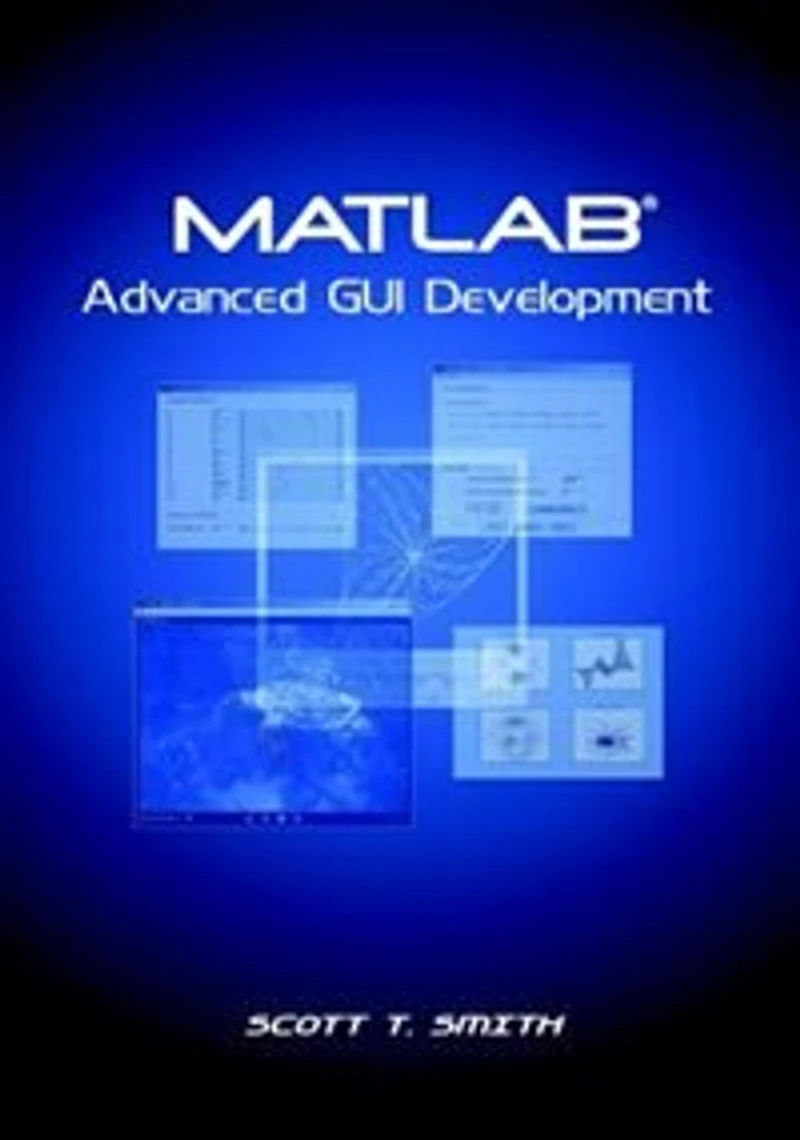
After more than 20 years of development, MATLAB has evolved from a powerful matrix calculation application into a universal programming tool used extensively within scientific and engineering communities both commercial and academic. MATLAB versions 6.x and 7.x include functionality for developing advanced graphical user interfaces, GUIs, and real-time animation and graphics. GUI applications offer many advantages for users who wish to solve complex problems by providing interactivity and visual feedback. Some common examples of application areas where GUI development is desirable: .Image and Video Processing .Signal Processing .Communications .Simulation of Complex Systems .Instrumentation and Data Acquisition Interfaces .Control Systems .Financial Analysis .Animation of 2D or 3D Graphical Data This text introduces you to the capabilities of MATLAB for GUI development and covers the following areas in detail: .Handle Graphics(R) programming and low-level GUIs .High-level GUI development using GUIDE .The structure of GUIs including event processing, callbacks, timers, and real-time animation of plots / data .Advanced GUI architectures including multiple figure GUIs and image mapped interface controls Instructional examples and exercises are provided throughout each chapter that offers a hands-on approach to learning MATLAB GUI development. The M-file code for each example and exercise solution is available for download on the web to help you quickly learn how to develop your own GUIs About The Author Scott T. Smith received his MSEE degree from SUNY at Buffalo in the fields of image sensor applications and image processing. He currently works for Micron Technology Inc. in California as an Imaging Engineer and has 10 years of experience working with MATLAB and developing GUI applications. Previous work experience includes 3 years at the David Sarnoff Research Center (Former RCA Research Labs) in Princeton, NJ as an Associate Member of the Technical Staff in the Advanced Imaging Group as well 3 years as an R&D engineer for an X-ray/scientific imaging company. He is a member of SPIE and IEEE and is an author or co-author of several papers and patents in the field of imaging.
After more than 20 years of development, MATLAB has evolved from a powerful matrix calculation application into a universal programming tool used extensively within scientific and engineering communities both commercial and academic. MATLAB versions 6.x and 7.x include functionality for developing advanced graphical user interfaces, GUIs, and real-time animation and graphics. GUI applications offer many advantages for users who wish to solve complex problems by providing interactivity and visual feedback. Some common examples of application areas where GUI development is desirable: .Image and Video Processing .Signal Processing .Communications .Simulation of Complex Systems .Instrumentation and Data Acquisition Interfaces .Control Systems .Financial Analysis .Animation of 2D or 3D Graphical Data This text introduces you to the capabilities of MATLAB for GUI development and covers the following areas in detail: .Handle Graphics(R) programming and low-level GUIs .High-level GUI development using GUIDE .The structure of GUIs including event processing, callbacks, timers, and real-time animation of plots / data .Advanced GUI architectures including multiple figure GUIs and image mapped interface controls Instructional examples and exercises are provided throughout each chapter that offers a hands-on approach to learning MATLAB GUI development. The M-file code for each example and exercise solution is available for download on the web to help you quickly learn how to develop your own GUIs About The Author Scott T. Smith received his MSEE degree from SUNY at Buffalo in the fields of image sensor applications and image processing. He currently works for Micron Technology Inc. in California as an Imaging Engineer and has 10 years of experience working with MATLAB and developing GUI applications. Previous work experience includes 3 years at the David Sarnoff Research Center (Former RCA Research Labs) in Princeton, NJ as an Associate Member of the Technical Staff in the Advanced Imaging Group as well 3 years as an R&D engineer for an X-ray/scientific imaging company. He is a member of SPIE and IEEE and is an author or co-author of several papers and patents in the field of imaging.
You May Also Like








More About Indigo at Erin Mills Town Centre
The largest book retailer in Canada also offers toys, music, home décor, gifts and lifestyle products. What's Inside...Books, Magazines, CD’s and DVD’s, Toys and Gifts, Home Accents, Electronics, Baby’s and Children’s Section, Bath and Body, Kitchen and Bedroom, Stationary Located outside in the exterior plaza.
5015 Glen Erin Dr, Mississauga, ON L5M 0R7, Canada
Find Indigo at Erin Mills Town Centre in Mississauga ON
Visit Indigo at Erin Mills Town Centre in Mississauga ON