
GIVE THE PERFECT GIFT
Erin Mills Town Centre Gift Cards are the perfect choice for your gift giving needs.Purchase gift cards at kiosks near the food court or centre court, at Guest Services, or click below to purchase online.PURCHASE HEREHome
The MacOS Big Sur: A Step-by-Step User Guide to Unlock and Maximize the Use of Apple Devices that Sync with the MacOS Big Sur for Beginners, Seniors, and Pros
Indigo
Loading Inventory...
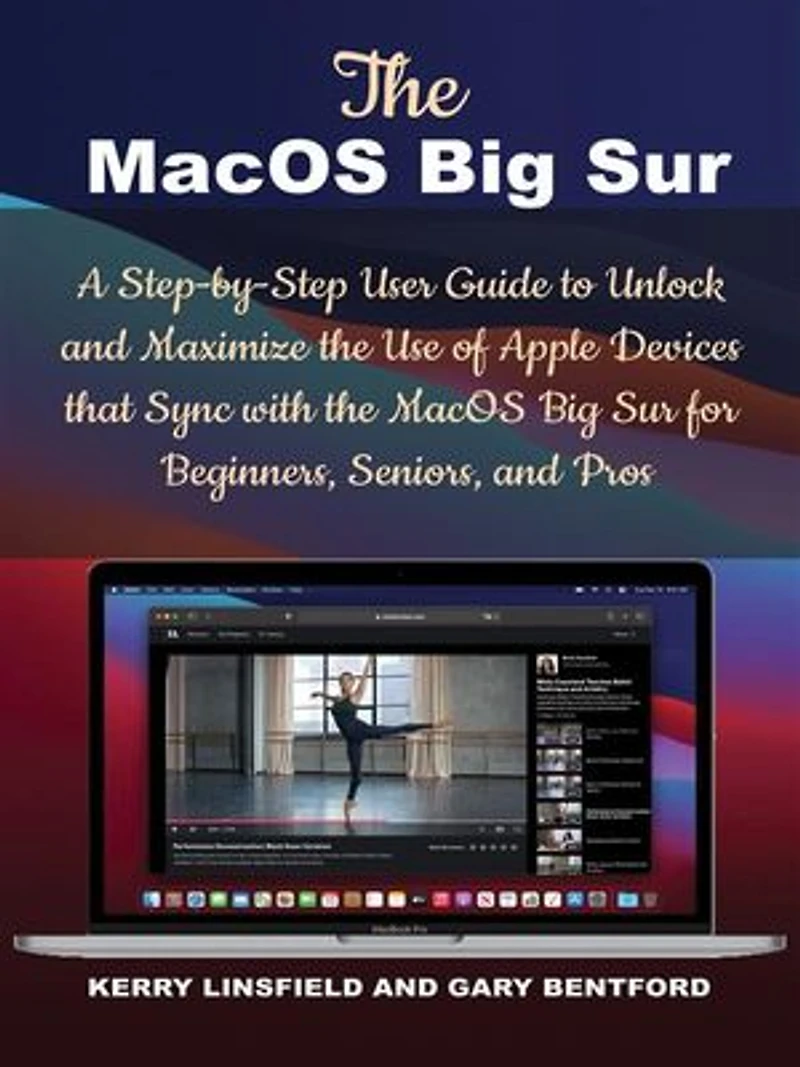
The MacOS Big Sur: A Step-by-Step User Guide to Unlock and Maximize the Use of Apple Devices that Sync with the MacOS Big Sur for Beginners, Seniors, and Pros
Current price: $5.99

The MacOS Big Sur: A Step-by-Step User Guide to Unlock and Maximize the Use of Apple Devices that Sync with the MacOS Big Sur for Beginners, Seniors, and Pros
Current price: $5.99
Loading Inventory...
Size: Kobo eBook
*Product information may vary - to confirm product availability, pricing, shipping and return information please contact Indigo
Your Run-to Reference to the Core Basics of the MacOS Big Sur!
The MacOS Big Sur possesses some great features, and among them, the redesigned User Interface featuring new blurs, and establishing a visual hierarchy with an additional of a backup of the Time Machine Mechanism . You would find it so much appealing and interesting to use as a result of the newly introduced features such as its improved user interface, Dock, Control Center, Safari improvements, Maps, Message improvements, App Store Privacy Labels, AirPod Simless Device, Video Editing Features, and more.
You have the MacOS Big Sur, which is unarguably supporting other MacBooks with processors that are ARM-based, and for the very first time in 21 years, the version number of the operating system got increased from 10 to 11, receiving its name after the coastal region of Big Sur, situated at the Central Coast of California.
In this MacOS Big Sur User Guide, you cannot wait to tap into the following details:
Introduction to MacOS Big Sur
Unboxing Your MacBook
Setting up Your MacBook
Language Selection
Accessibility
Selecting Your Wi-Fi Network
Data & Privacy
Migration Assistant
Signing In With Apple ID
Creating a Computer Account
FileVault Disk Encryption
Using Touch ID
Apple Pay Set Up
Installing Geekbench 5
Searching Cinebench
Running the CPU Benchmark
Checking for Disk Speed
And More.
Additional value for this User Guide:
Using the Touch Bar on Your MacBook
Using MacOS Keyboard Shortcuts
Keeping your MacBook Updated
Connecting Apple devices together
Picking Up Where You Left off With Handoff on your MacBook
Inserting Scans & Photos with Continuity Camera on the MacBook
Making & Receiving Phone Calls in FaceTime on the MacBook
You can’t wait to become an expert in using your MacBook with the
MacOS Big Sur operating system.
Controlling Home accessories on Your MacBook
And More.
You don't want to miss out on the valuable information contained in this book, kindly scroll up, click to get your copy NOW!
Your Run-to Reference to the Core Basics of the MacOS Big Sur!
The MacOS Big Sur possesses some great features, and among them, the redesigned User Interface featuring new blurs, and establishing a visual hierarchy with an additional of a backup of the Time Machine Mechanism . You would find it so much appealing and interesting to use as a result of the newly introduced features such as its improved user interface, Dock, Control Center, Safari improvements, Maps, Message improvements, App Store Privacy Labels, AirPod Simless Device, Video Editing Features, and more.
You have the MacOS Big Sur, which is unarguably supporting other MacBooks with processors that are ARM-based, and for the very first time in 21 years, the version number of the operating system got increased from 10 to 11, receiving its name after the coastal region of Big Sur, situated at the Central Coast of California.
In this MacOS Big Sur User Guide, you cannot wait to tap into the following details:
Introduction to MacOS Big Sur
Unboxing Your MacBook
Setting up Your MacBook
Language Selection
Accessibility
Selecting Your Wi-Fi Network
Data & Privacy
Migration Assistant
Signing In With Apple ID
Creating a Computer Account
FileVault Disk Encryption
Using Touch ID
Apple Pay Set Up
Installing Geekbench 5
Searching Cinebench
Running the CPU Benchmark
Checking for Disk Speed
And More.
Additional value for this User Guide:
Using the Touch Bar on Your MacBook
Using MacOS Keyboard Shortcuts
Keeping your MacBook Updated
Connecting Apple devices together
Picking Up Where You Left off With Handoff on your MacBook
Inserting Scans & Photos with Continuity Camera on the MacBook
Making & Receiving Phone Calls in FaceTime on the MacBook
You can’t wait to become an expert in using your MacBook with the
MacOS Big Sur operating system.
Controlling Home accessories on Your MacBook
And More.
You don't want to miss out on the valuable information contained in this book, kindly scroll up, click to get your copy NOW!
You May Also Like











More About Indigo at Erin Mills Town Centre
The largest book retailer in Canada also offers toys, music, home décor, gifts and lifestyle products. What's Inside...Books, Magazines, CD’s and DVD’s, Toys and Gifts, Home Accents, Electronics, Baby’s and Children’s Section, Bath and Body, Kitchen and Bedroom, Stationary Located outside in the exterior plaza.
5015 Glen Erin Dr, Mississauga, ON L5M 0R7, Canada
Find Indigo at Erin Mills Town Centre in Mississauga ON
Visit Indigo at Erin Mills Town Centre in Mississauga ON